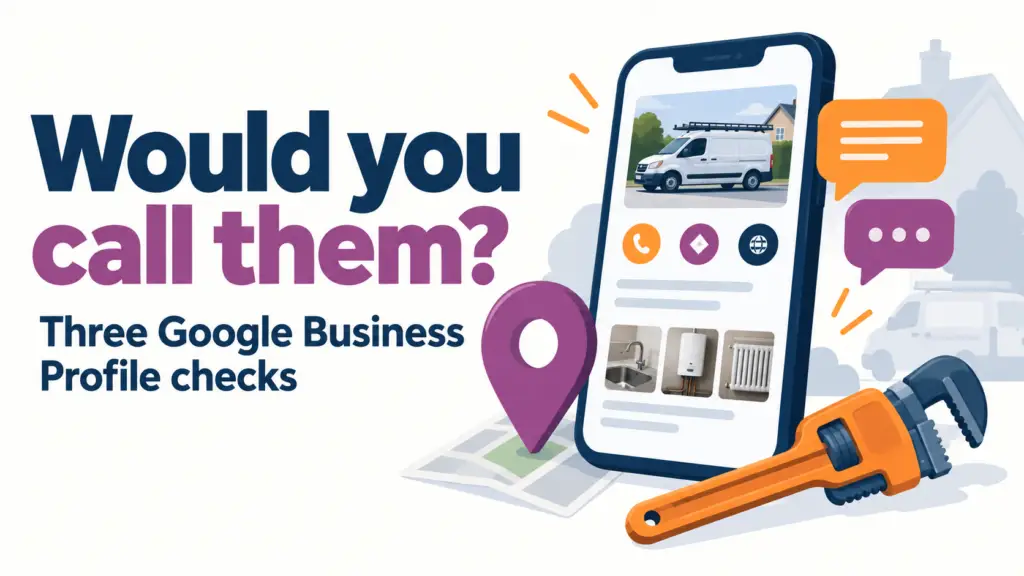
Say you need a plumber. You might search for “plumber near me” and look through the local results.
Now imagine two businesses appear. One has clear contact details, photographs of recent work and customer reviews you can read. The other has very little information.
Which one would you feel more comfortable calling?
That is the question behind this video. Your Google Business Profile gives a potential customer a chance to get a feel for your business before they contact you. For trades and home service businesses, it is worth checking what that first impression says.
What is a Google Business Profile?
You might think of it as your Google business account. The customer-facing listing is called a Google Business Profile. It lets eligible businesses manage information shown on Google Search and Maps, including contact details, opening hours, photographs and reviews. The profile itself is free.
It is relevant to businesses that meet customers in person, including tradespeople who visit customers at their homes. If you have not set yours up, start with Google’s guide to adding, claiming and verifying a Business Profile. Check for an existing listing before creating another one.
If you already have a profile, start with these three checks.
1. Are your details right?
Look at your profile as a customer would. Can someone tell what you do, whether you cover their area and how to contact you?
- Check your business name, phone number and website link.
- Make sure your opening hours reflect when your business is available.
- Check that your category and listed services accurately describe your work.
- Keep your service area realistic and up to date.
A plumber who covers Purley and nearby areas should make that clear. Someone looking for a bathroom installation should not have to guess whether it is a service you offer. This is an example of the information a customer needs, rather than a claim about any particular business.
If you travel to customers and do not serve them at your business address, Google says to remove the address from public display and show your service area instead. That matters if you run the business from home. See Google’s service-area guidance.
2. Can people see the kind of work you do?
A useful photograph helps someone understand your work. It might show a completed bathroom, a neatly finished installation or your team carrying out a job.
Choose genuine images that are clear enough to view on a phone. Think about the jobs you would like more enquiries for, then show relevant examples of work you have actually completed.
You do not need a large gallery to get started. Choose a small selection that answers a customer’s question: “Does this business do the sort of work I need?”
Get permission before sharing photographs taken at a customer’s property, and check the background for personal details. A customer’s address, paperwork or family photographs should not accidentally become part of your marketing.
3. Have you asked for honest reviews?
A potential customer cannot judge your service from a photograph alone. Reviews give them another way to understand other people’s experiences.
Make asking for feedback a normal part of finishing a job. A simple request is enough: “Thanks for choosing us. If you have a moment, would you leave an honest Google review of your experience?”
You can share your profile’s review link to make the next step easier. Ask for genuine feedback, without offering discounts or gifts in return. Google prohibits incentives for reviews. Its review guidance explains this and how to share a review link.
Read the feedback you receive and reply thoughtfully where it helps. Keep replies polite and avoid discussing a customer’s private information in public.
A quick check you can do today
Open your Business Profile on your phone and ask:
- Are our details accurate?
- Can someone see the type of work we do?
- Are we making it easy for customers to leave honest feedback?
Pick one gap and fix it. Perhaps that is an old phone number, a missing service or a recent job you have permission to show.
A complete profile does not guarantee a particular Google ranking or a stream of enquiries. The practical aim is to give someone useful information when they find you, so they can decide whether to make that call.
Put yourself in your customer’s shoes. Based on your profile, would you call your business?
If you would like help making your business easier to find locally, explore Smart Cow’s SEO services.